JSON (JavaScript Object Notation) is the most widely used data format for APIs, applications, databases, and configuration files. It is preferred for storing and exchanging structured data. However, it is not easy for everyone to read or share.
That’s why businesses, developers, and organizations convert JSON files into PDF documents. PDFs are universally accessible, easy to print, secure, and ideal for reporting, documentation, compliance, and record keeping. Here in this blog, you will learn about the simple methods to convert JSON to PDF.
What is JSON?
JSON (JavaScript Object Notation) is a lightweight data interchange format used to store and exchange structured information between systems and applications. It represents information using key-value pairs and arrays.
Methods to Covert JSON to PDF
There are many ways to convert the JSON to PDF:
Method 1: Convert JSON to PDF through Online Tools
Here is a quick overview of the JSON to PDF converter,
- Upload or paste JSON data
- Select PDF settings
- Generate the PDF
- Download the converted file
Pros of using Online Converter
- No Coding Required
- Fast Coversion
- Suitable for small files
Limitations
- Less Customization
- Privacy concerns for sensitive data
- File size restriction on some platforms
Method 2: Convert JSON to PDF Using JavaScript
Developers often use JavaScript libraries such as jsPDF and PDFMake to generate PDFs directly in web applications. Community discussion and documentation frequently recommend these libraries for client-side PDF generation.
Example:
const data = {
name: "John Doe",
department: "Sales"
};
const doc = new jsPDF();
doc.text(`Name: ${data.name}`, 10, 10);
doc.text(`Department: ${data.department}`, 10, 20);
doc.save("employee.pdf")
Method 3: Convert JSON Through a PDF Editor
Many software solutions allow users to import information and create PDF documents:
Steps:
- Open a PDF editing application
- Import or paste the JSON data
- Format the content for readability
- Save or export it as a PDF file
How to Convert PDF to JSON?
There are numerous online tools available that convert PDF to JSON; you just need to search for a PDF to JSON converter. After selecting a tool, follow the steps below:
- Upload the PDF File
- Select JSON as the output format
- Start the conversion process
- Download the generated JSON file
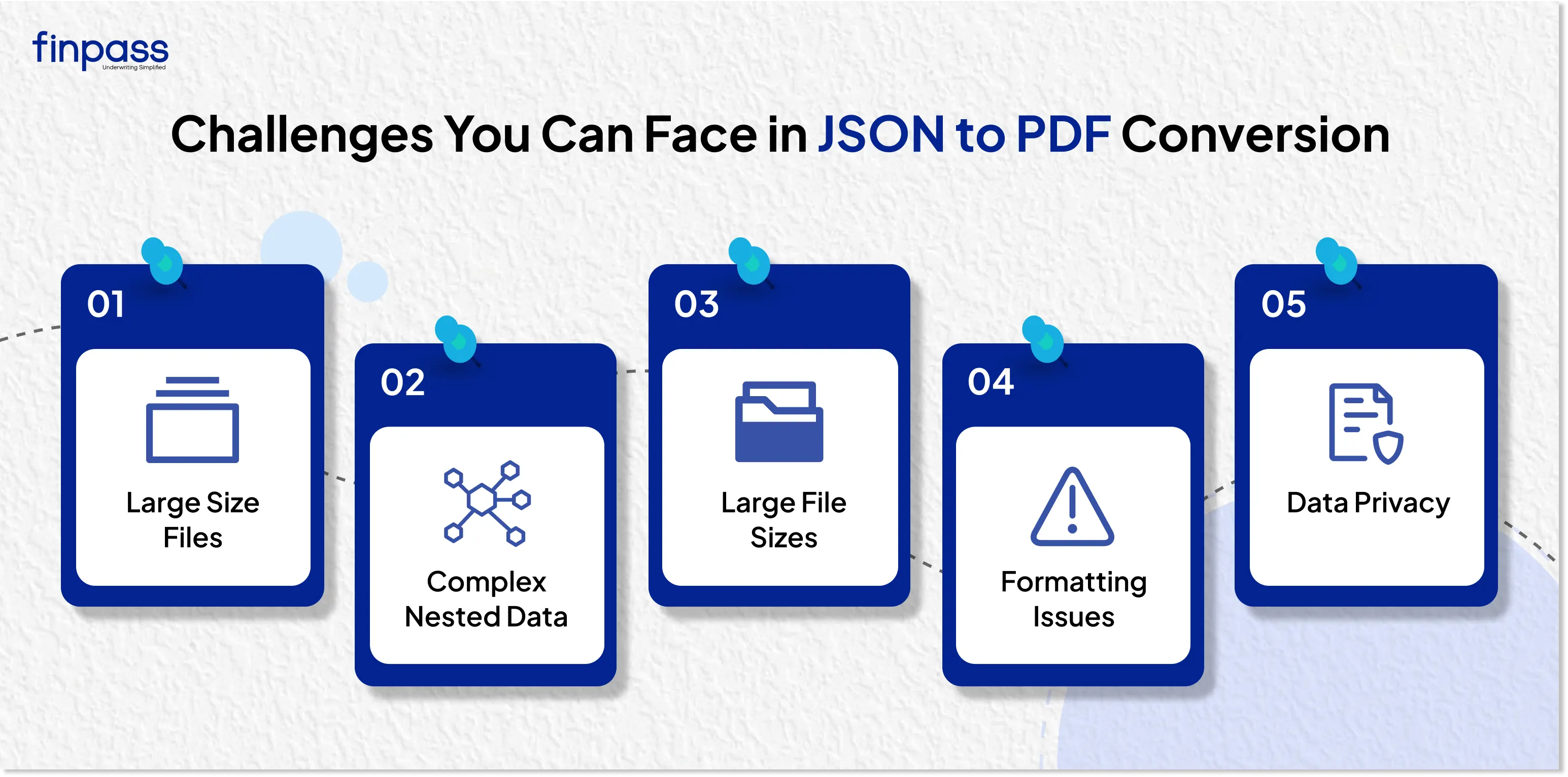
What Challenges do you face in JSON to PDF Conversion?
Converting a file from JSON format to PDF seems easy. However, you can face many issues like:
- Large Size Files: Large JSON datasets may increase PDF generation time.
- Complex Nested Data: Deeply nested information is quite difficult to display in a clean PDF format.
- Large File Sizes: Large JSON datasets can increase PDF generation time.
- Formatting Issues: Improper mapping can lead to cluttered or unreadable PDFs.
- Data Privacy: Uploading sensitive information to third-party tools can create security risks.
.webp)
Use Cases of JSON to PDF Conversion
It is used in many industries for various purposes:
- Banking and Financial Reports: Banks and financial institutions convert JSON-based transaction information, account statements, and financial reports into PDF documents for customers and auditors.
- Employee Records: HR teams use a JSON to PDF converter to generate employee profiles, salary slips, attendance reports, and onboarding documents.
- Insurance Claims: Insurance companies create claim summaries, policy documents, customer reports, and verification records in PDF format to JSON data.
Conclusion
Converting a document from JSON to PDF makes it easy to use and represent as well readable. However, converting it manually or through language is difficult and time-consuming. But you can make this process easy by using online converter tools. Numerous tools convert JSON to PDF and PDF to JSON in just a few seconds. The full step-by-step guide to convert PDF to JSON is shared above to help you with the conversion.
FAQs
Ques: How to convert JSON data into PDF?
Ans: You can convert JSON data into PDF through JSON to PDF Converter.
Ques: How do I convert a JSON file to a readable format?
Ans: You can use a JSON to PDF converter to convert a JSON file to a readable format.
Ques: Can I convert a PDF to JSON?
Ans: Yes, you can convert PDF content to JSON through an online PDF to JSON converter.
Ques: Is JSON the same as PDF?
Ans: No, JSON is a structured data format used for storing and exchanging information; on the other hand, PDF is a document format for viewing and printing content.
Ques: Can JSON Arrays be converted into PDF Tables?
Ans: Yes, JSON arrays are converted into tables within a PDF document.