The first step to filing taxes in India is to understand Form 26AS, which is one of the most important documents for taxpayers in India. You can visualize this as your “Tax Passbook.” Like a passbook that shows the deposits and withdrawals in your bank account, Form 26AS shows the tax that is deposited to the government by others for you.
What is Form 26AS?
Form 26AS is a consolidated annual tax statement issued by the Income Tax Department that tracks all tax credits linked to your PAN. It acts as a ready reckoner for ITR filing 26AS, showing details of TDS, TCS, advance tax, and high-value transactions in one place.
What Information Does Form 26AS Contain?
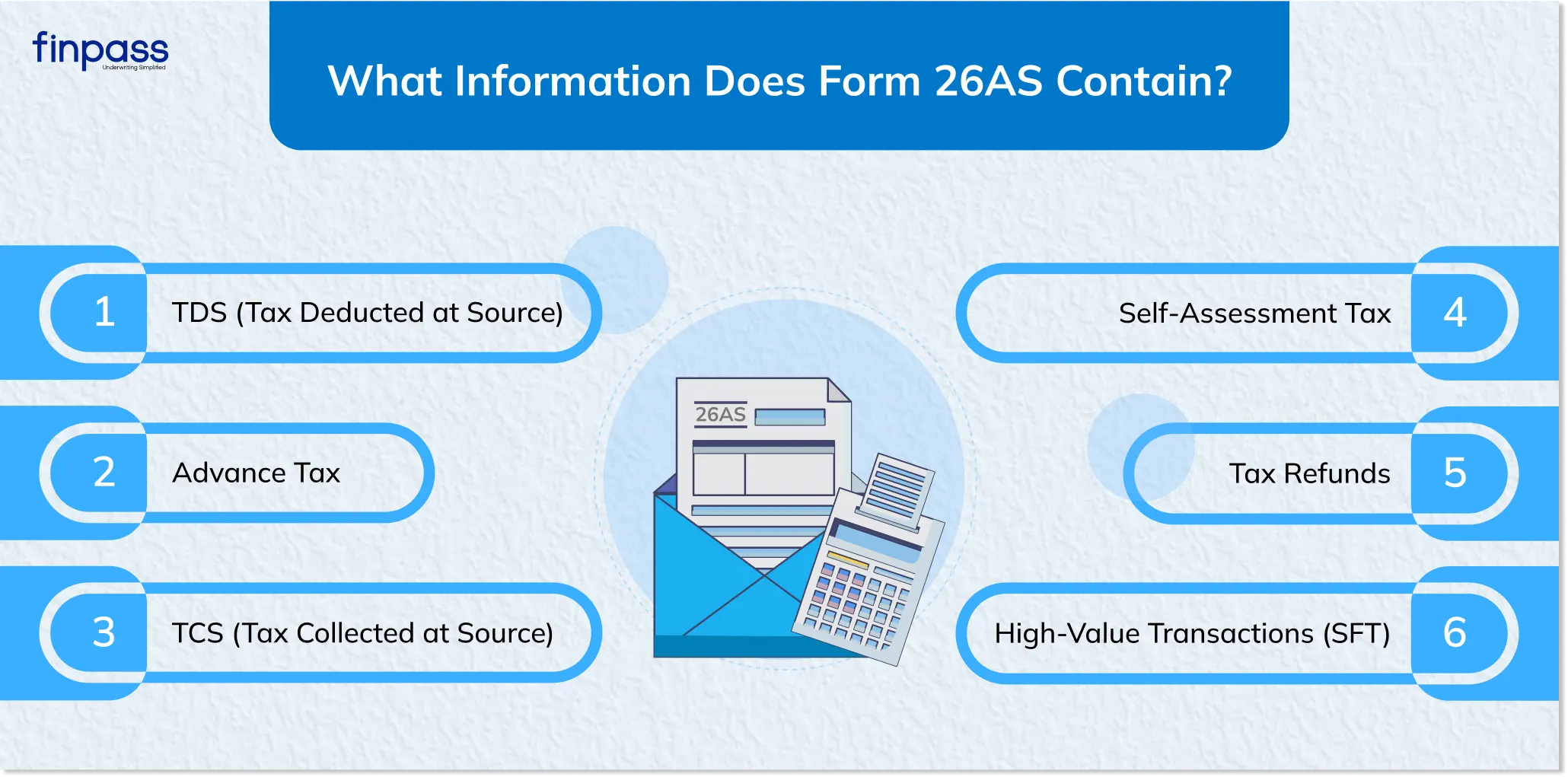
The Form 26AS is much more than just a list of salary deductions. It is a comprehensive record of your financial life from a tax perspective. Here is what you will find inside:
- TDS (Tax Deducted at Source): Tax taken out of your salary, interest from banks, or sale of property.
- TCS (Tax Collected at Source): Tax collected by sellers when you buy certain high-value items (like a luxury car).
- Advance Tax: Tax you paid yourself during the year because your income was high.
- Self-Assessment Tax: Tax you paid while filing your return.
- Tax Refunds: Details of any money the Income Tax Department sent back to you in previous years.
- High-Value Transactions (SFT): The Income Tax Department expanded Form 26AS to include SFT data for better transparency. This helps taxpayers recall big spends and ensures more accurate reporting.
Structure of Form 26AS: Explaining the "Parts."
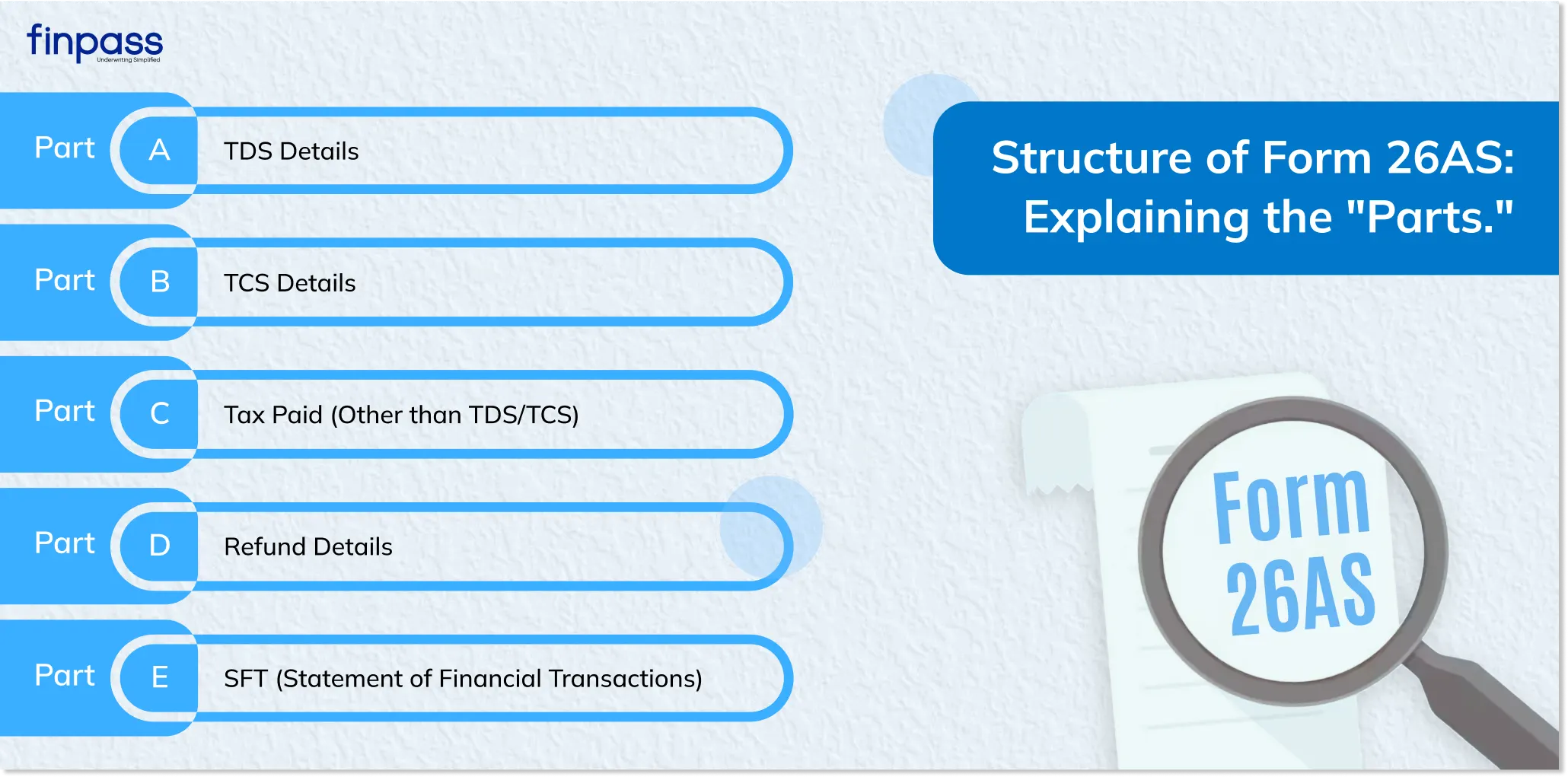
Form 26AS is divided into several sections, called "Parts." Each part tells a different story about your money.
Part A: TDS Details
This is usually the biggest section. It shows tax deducted by your employer (on salary) or by banks. It also includes Income tax 26Q details, which refer to the TDS returns filed by banks or companies for non-salary payments made to you.
Part B: TCS Details
If you bought something where the seller collected tax from you, those details appear here.
Part C: Tax Paid (Other than TDS/TCS)
If you went to a bank or used an app to pay "Advance Tax" or "Self-Assessment Tax" yourself, those entries show up here.
Part D: Refund Details
If the tax department owed you money and paid it back, this section shows the amount and the date you received it.
Part E: SFT (Statement of Financial Transactions)
This is a very important section. According to official government press releases, this is the "faceless hand-holding" part. The Income Tax Department uses this section to display high-value transactions like:
- Cash deposits or withdrawals from bank accounts.
- Buying or selling a house.
- Investing in mutual funds or shares.
What is 26AS in ITR Filing?
When you sit down to perform your ITR filing 26AS, this document becomes your primary reference.
- Pre-filled Information: Nowadays, when you log into the incometaxefiling 26as portal, much of your data is already filled in. This data comes directly from your Form 26AS.
- Claiming Credits: If your Form 26AS says ₹10,000 was deducted as TDS, you can reduce your final tax bill by ₹10,000.
- Checking for Discrepancies: If your salary slip says ₹5,000 was cut, but Form 26AS says ₹0, it means your employer made a mistake. You must fix this before completing your ITR filing 26as.
How to View Form 26AS by PAN Number Online?
Viewing your tax statement is free and can be done online. Here is a simple step-by-step guide:
Method 1: Using the Income Tax Filing Form 26AS Portal
- Go to the official income tax filing portal (incometax.gov.in).
- Log in using your PAN and password.
- Go to the 'e-File' menu > 'Income Tax Returns' > 'View Form 26AS'.
- You will be redirected to the "TRACES" website.
- Select the 'Assessment Year' and choose 'HTML' format.
- Click 'View/Download'.
Method 2: How to View Form 26AS by PAN No via Net Banking
Most major banks allow you to view Form 26AS by PAN number directly through your bank account. Look for the "Tax Services" or "View 26AS" option in your net banking dashboard to access it without a separate login.
How to Get Form 26AS Easily
If you want to keep a copy of your form on your phone or computer, follow these steps to how to get Form 26AS:
- Follow the steps mentioned above to reach the 'View' page on the TRACES website.
- Instead of just viewing it as HTML, select the "PDF" option.
- Click on 'Export as PDF'.
- The file will download. Note: The password is usually your Date of Birth in DDMMYYYY format.
Difference Between Form 26AS and AIS
Feature | Form 26AS | AIS (Annual Information Statement) |
Main Focus | Tax payments (TDS/TCS/Advance Tax). | All financial info (Savings interest, dividends, etc.). |
Detail Level | Summary level for tax credits. | Very detailed financial diary. |
Purpose | To claim tax credits in ITR. | To ensure all income is reported. |
Conclusion
Form 26AS statement is like your “Tax Passbook.” It tracks how your money is moving, showing the Income Tax Department SFT transactions, TDS, TCS, and your tax payments. It also helps you easily complete your tax return and make sure you receive the tax credits available to you. Since all of the information is from the Income Tax Department, including this, and looking at your 26AS regularly, do it to avoid mistakes on the returns filed and the notices you might receive from the Income Tax Department, as well as your level of accountability on tax input for the 2025 to 2026 assessment year.
Disclaimer: This blog is for informational purposes only and is based on current tax laws and official department guidelines. For specific tax advice, please consult a certified Chartered Accountant.
FAQs
Ques: What is Form 26AS?
Ans: Form 26AS is a tax statement that shows a compiled view of all the taxes that are linked to a person’s PAN card such as TDS, TCS, and advance tax.
Ques: Why is Form 26AS important for ITR filing?
Ans: Form 26AS helps people to verify the amount of tax they have paid and claim tax credit accordingly.
Ques: How can I view Form 26AS?
Ans: You can view your Form 26AS using your PAN by:
- Go to the official income tax filing portal (incometax.gov.in).
- Log in using your PAN and password.
- Go to the 'e-File' menu > 'Income Tax Returns' > 'View Form 26AS'.
- You will be redirected to the "TRACES" website.
Ques: Where to download Form 26AS?
Ans: You can download Form 26AS from the TRACES portal.